
Why Periodic Microsoft 365 Tenant Analysis Is Important
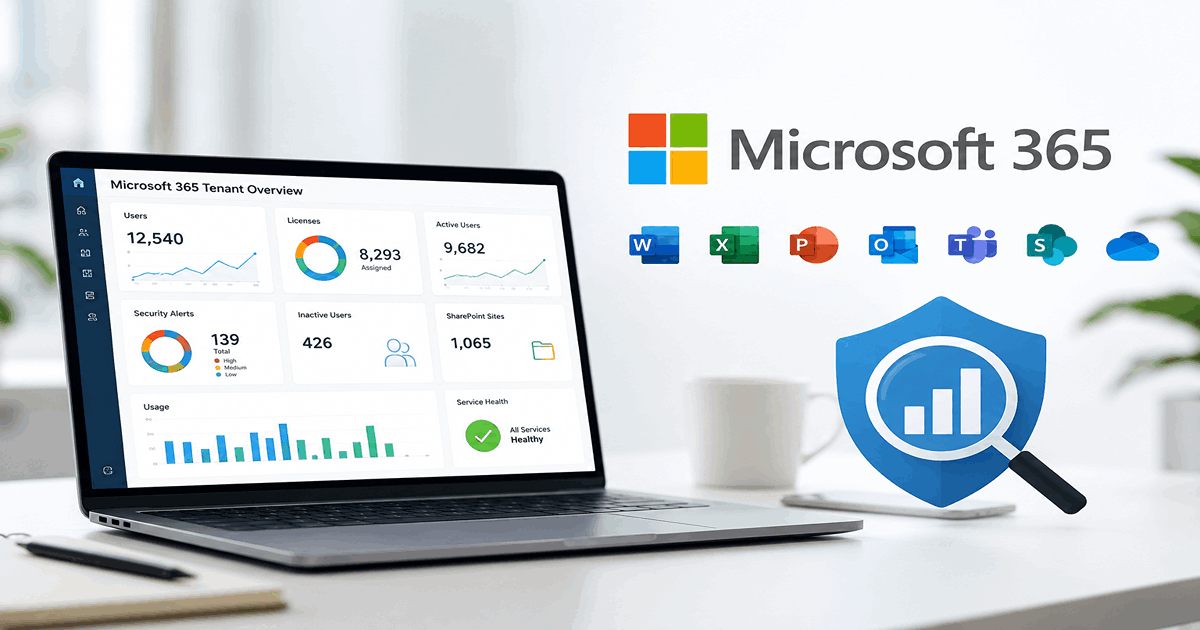
A periodic Microsoft 365 tenant analysis is essential for maintaining operational efficiency, cost control, and security. For example, you can detect license waste and optimize licensing cost, improve security posture of your apps, users and devices etc. Result of this analysis should be shared with all the stakeholders in your organization, with actionable.
OfficeBoard, our Microsoft 365 management platform gives you a tenant snapshot that provides a holistic and actionable overview of your organization’s Microsoft 365 environment. Read through to find out how this snapshot helps all the stakeholders in your organization:
1. Unified Visibility Across M365 Services
This snapshot consolidates insights across:
🎯 Benefit: Eliminates data silos and allows centralized monitoring across all Microsoft 365 components — critical for governance, decision-making, and risk mitigation.
2. Microsoft 365 Licenses Cost Optimization
Example Insights:
Users Never Logged In
20
Inactive Users > 30 days
47
Disabled Users
2
🎯 Benefit:
- • Identifies unused licenses and inactive accounts.
- • Supports license right-sizing and budget planning.
- • Helps Finance & IT reduce waste through reallocation or deactivation.
3. Security & Compliance Monitoring
Snapshot Indicators:
344 Guest Users — potential external access risk.
78 Expired Passwords — authentication risk.
12 High-Risk Alerts, 14 Medium, 123 Low
1,377 Alerts Resolved — progress toward risk mitigation.
🎯 Benefit:
- • Improves security posture with visibility into real-time risks.
- • Enables compliance tracking (e.g., ISO, GDPR).
- • Supports faster incident response.
4. Productivity & Collaboration Insights
Teams + Exchange:
Calls
3,977
Meetings
3,522
Private Messages
205K
Inactive Mailboxes
396
🎯 Benefit:
- • Helps understand user engagement and collaboration trends.
- • Identifies underused services or departments needing training/support.
- • Aids in adoption and digital workplace transformation initiatives.
5. SharePoint Governance
Total Sites
1,065
Inactive Sites
932
🎯 Benefit:
- • Prevents sprawl and clutter in content repositories.
- • Encourages archiving, lifecycle management, and better document hygiene.
6. Reporting, Audits, and Stakeholder Communication
- • Reports available as Excel, PDF, and Shared Dashboards through Microsoft Teams integration.
- • Executive-friendly and audit-ready formats.
- • Download all data in CSV format.
🎯 Benefit:
- • Reduces manual effort in compiling reports.
- • Facilitates data-driven decision-making for leadership.
- • Enables transparency across departments (IT, Compliance, Finance, HR).
Summary of Benefits
| Stakeholders | Benefit |
|---|---|
|
IT Operations |
Centralized view, license clean up, identity hygiene |
|
Finance |
Cost optimization and accurate license allocation |
|
Security & Risk |
Real-time alerts, expired passwords, guest access control |
|
Compliance |
Audit-ready reporting, user lifecycle tracking |
|
HR & Management |
Insights into collaboration, user behaviour, and digital engagement |
|
Leadership |
Dashboard KPIs for informed strategy and investment decisions |
IT Operations
Centralized view, license clean up, identity hygiene
Finance
Cost optimization and accurate license allocation
Security & Risk
Real-time alerts, expired passwords, guest access control
Compliance
Audit-ready reporting, user lifecycle tracking
HR & Management
Insights into collaboration, user behaviour, and digital engagement
Leadership
Dashboard KPIs for informed strategy and investment decisions
Do you think that this kind of centralized visibility is important for your organization for your Microsoft 365 tenant? Email us at biz@loves.cloud to get started with your 14-day free trial of OfficeBoard.
All features included, no credit card or commitment required. Monthly and Annual plans available.
Simplify Microsoft 365 management at scale
Gain full visibility, improve security posture, and manage users and licenses with confidence.
Start 14-Day Free Trial →